【XAvatar版無料】オリジナル3Dモデル「ウルフちゃん」#Wolfchan3D
- ダウンロード商品XAvatar版¥ 0無料ダウンロードWolfchan_XAvatar_Ver.1.0.0.zip(35.9 MB)Wolfchan_XAvatar_Ver.1.0.0.zip
- ダウンロード商品Unity向け・FBX版¥ 4,000
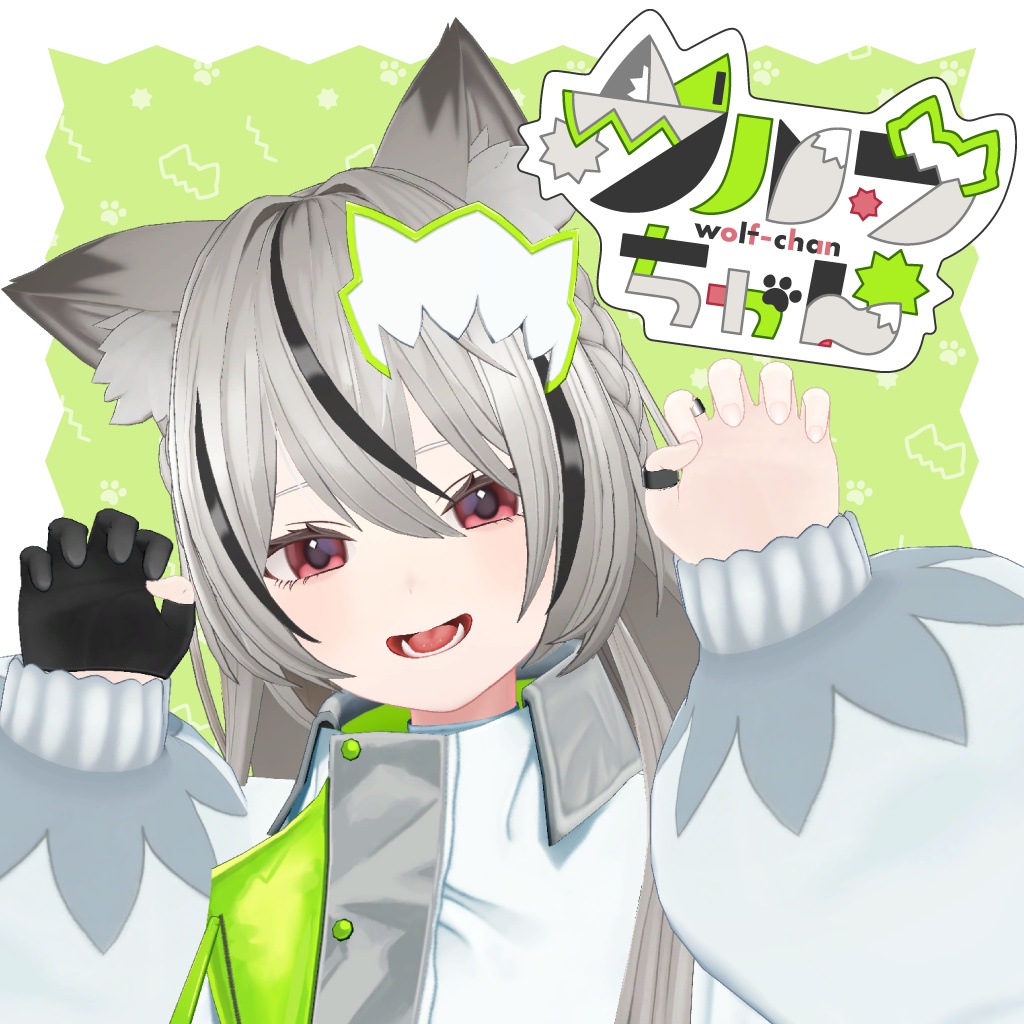
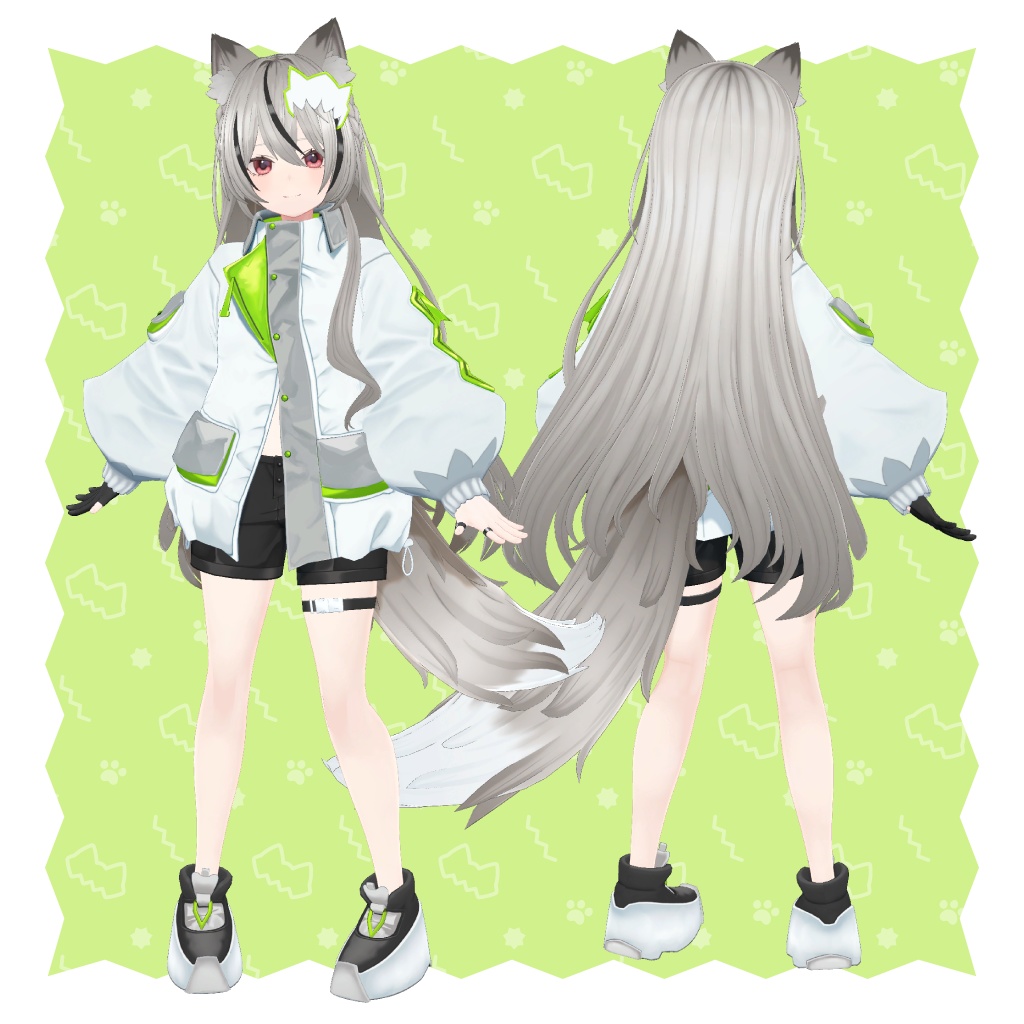
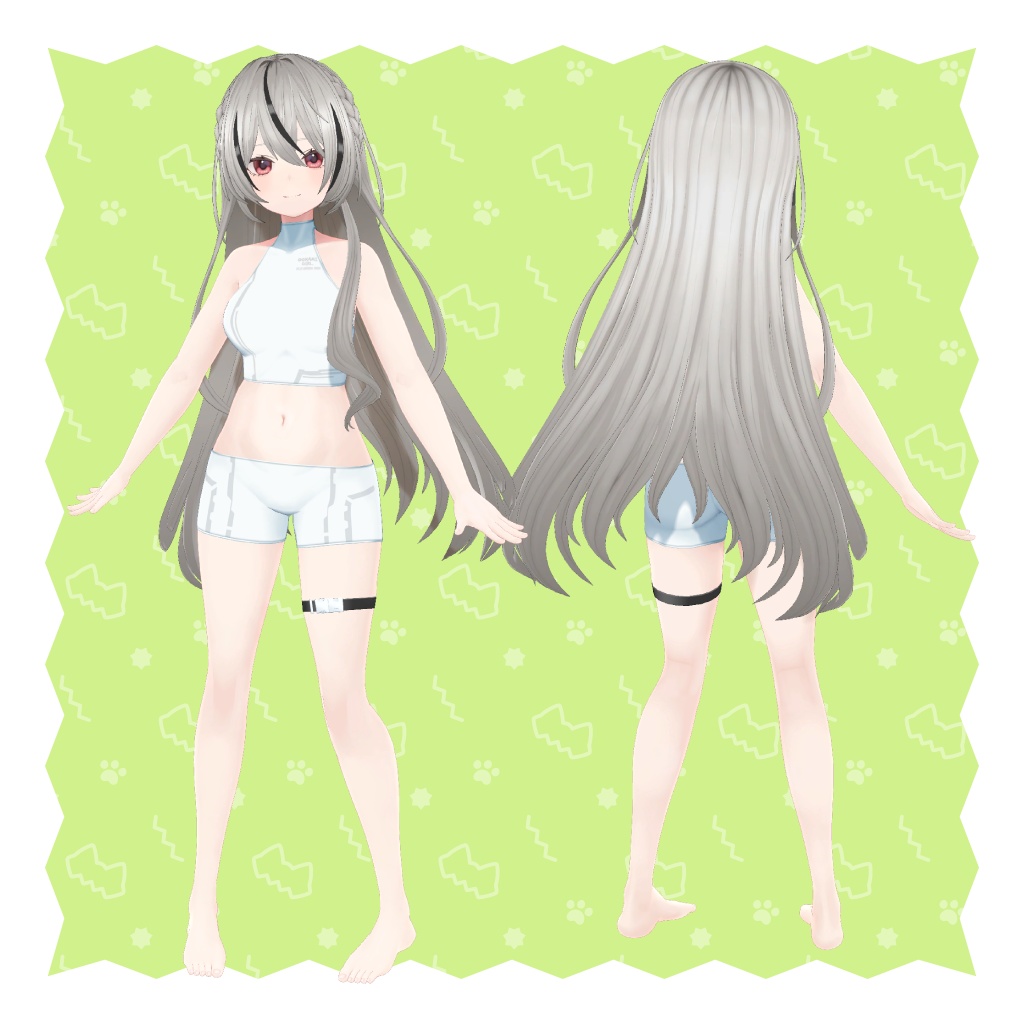
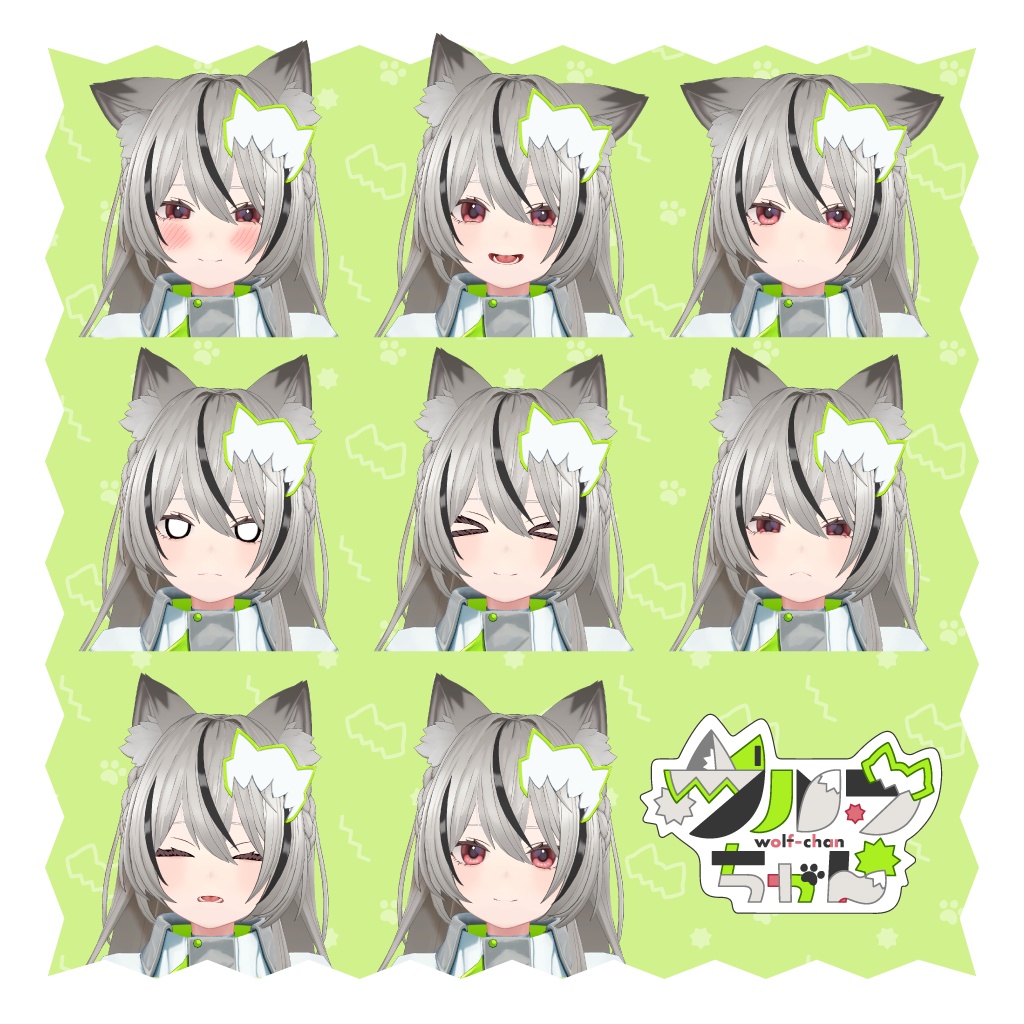
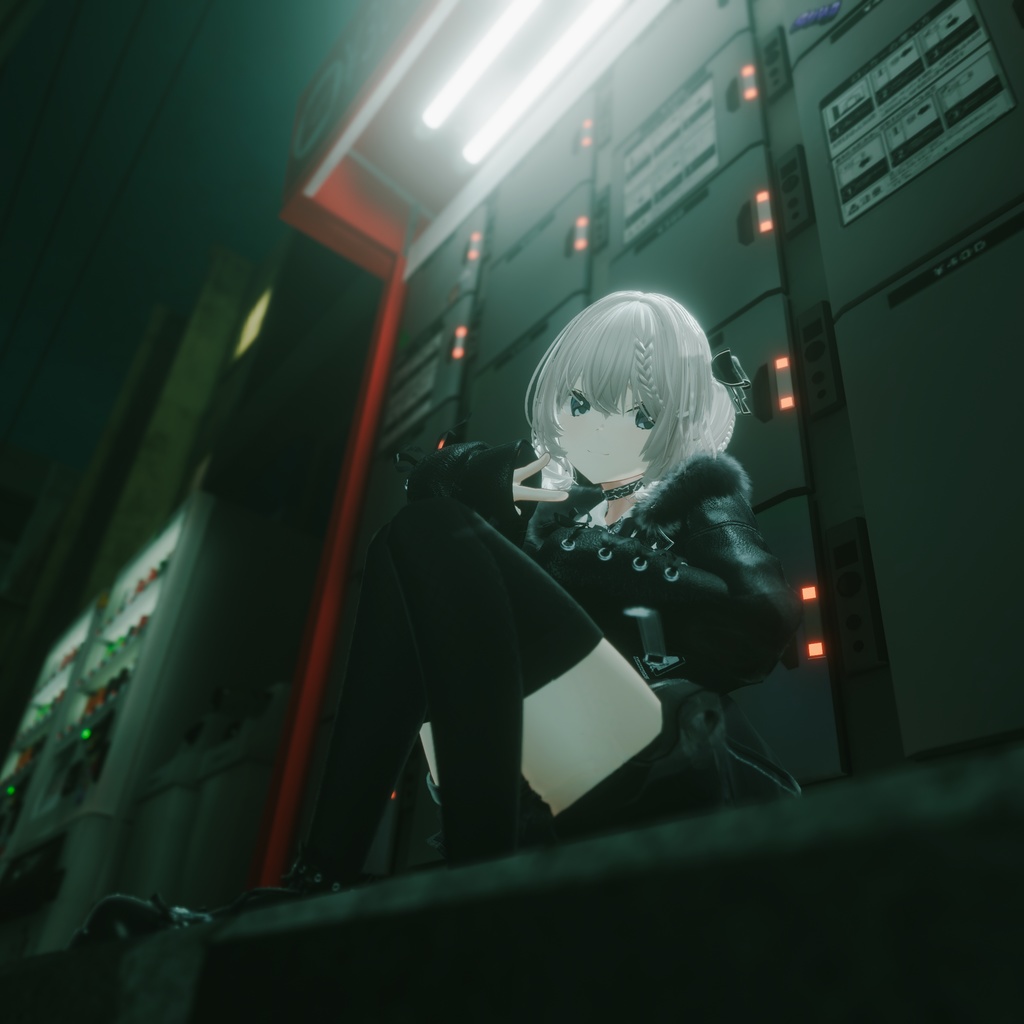
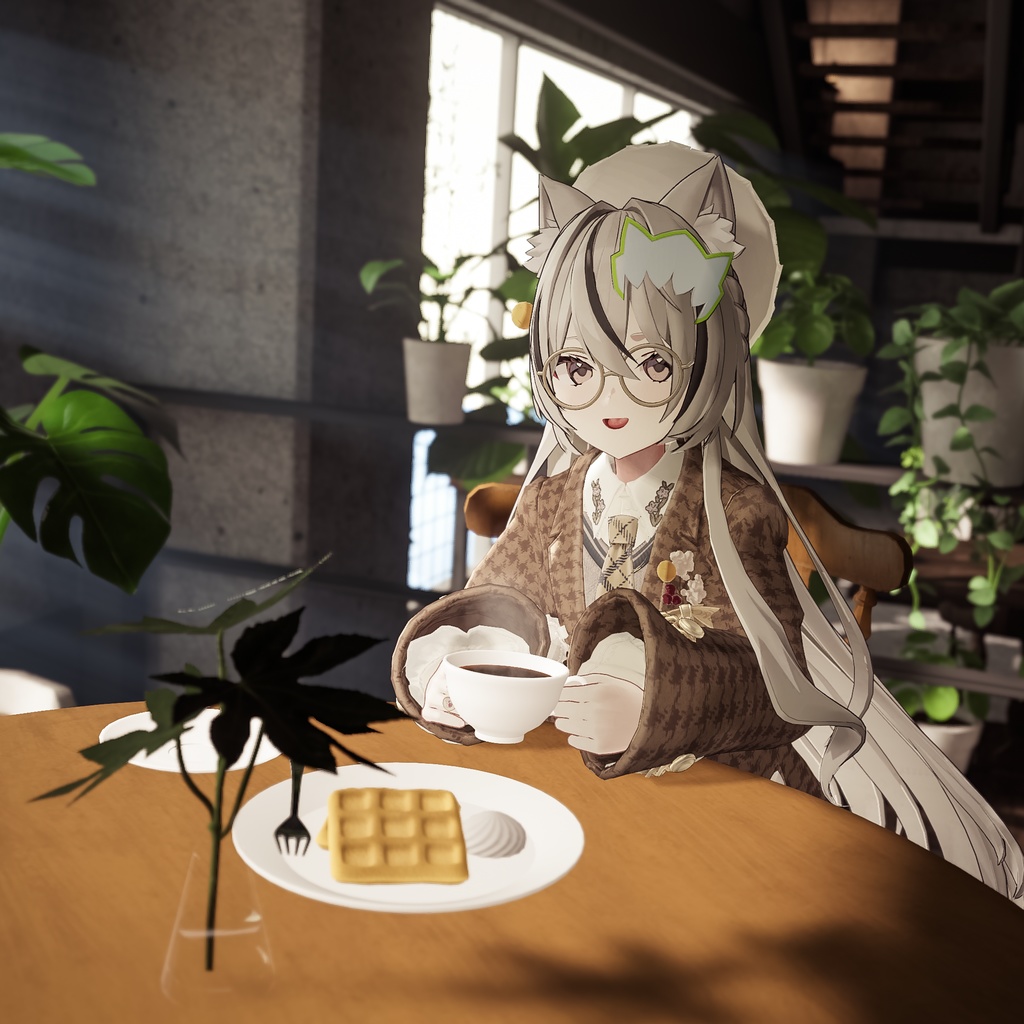
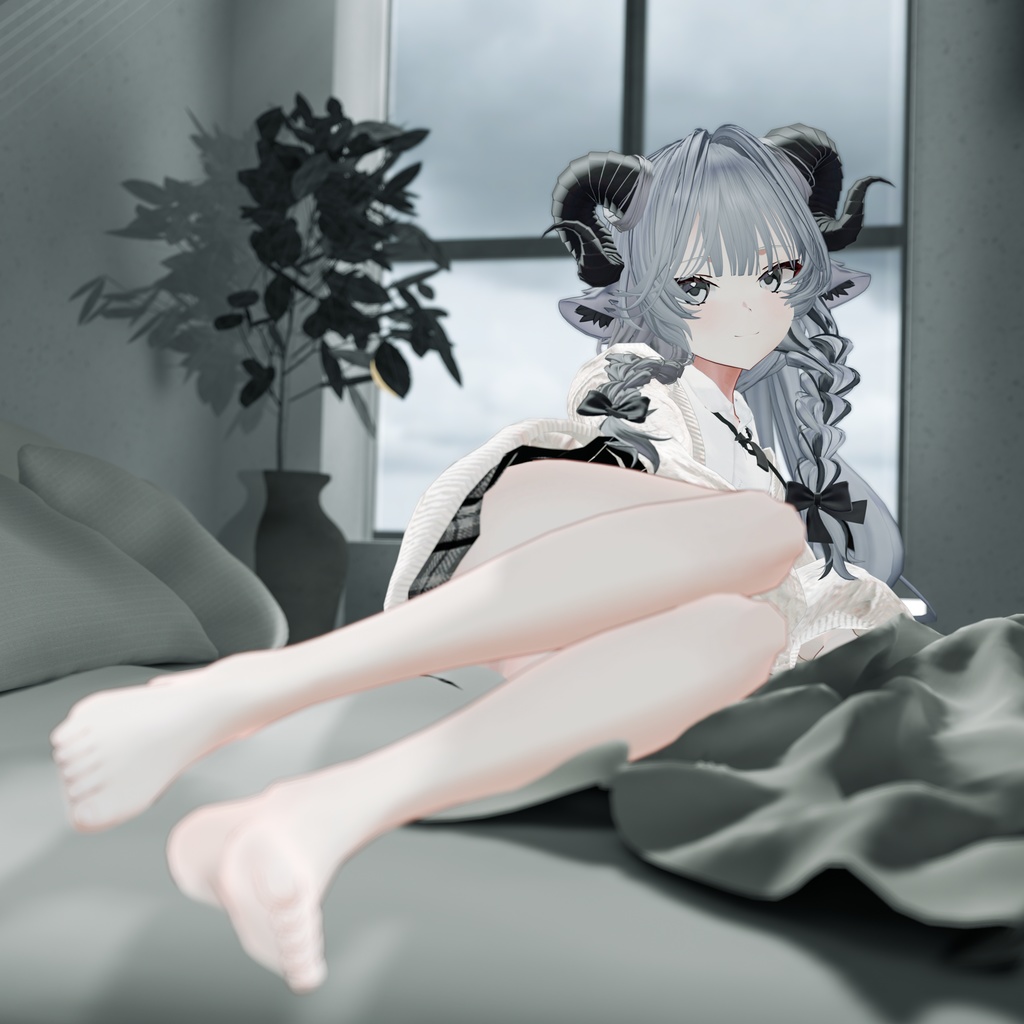
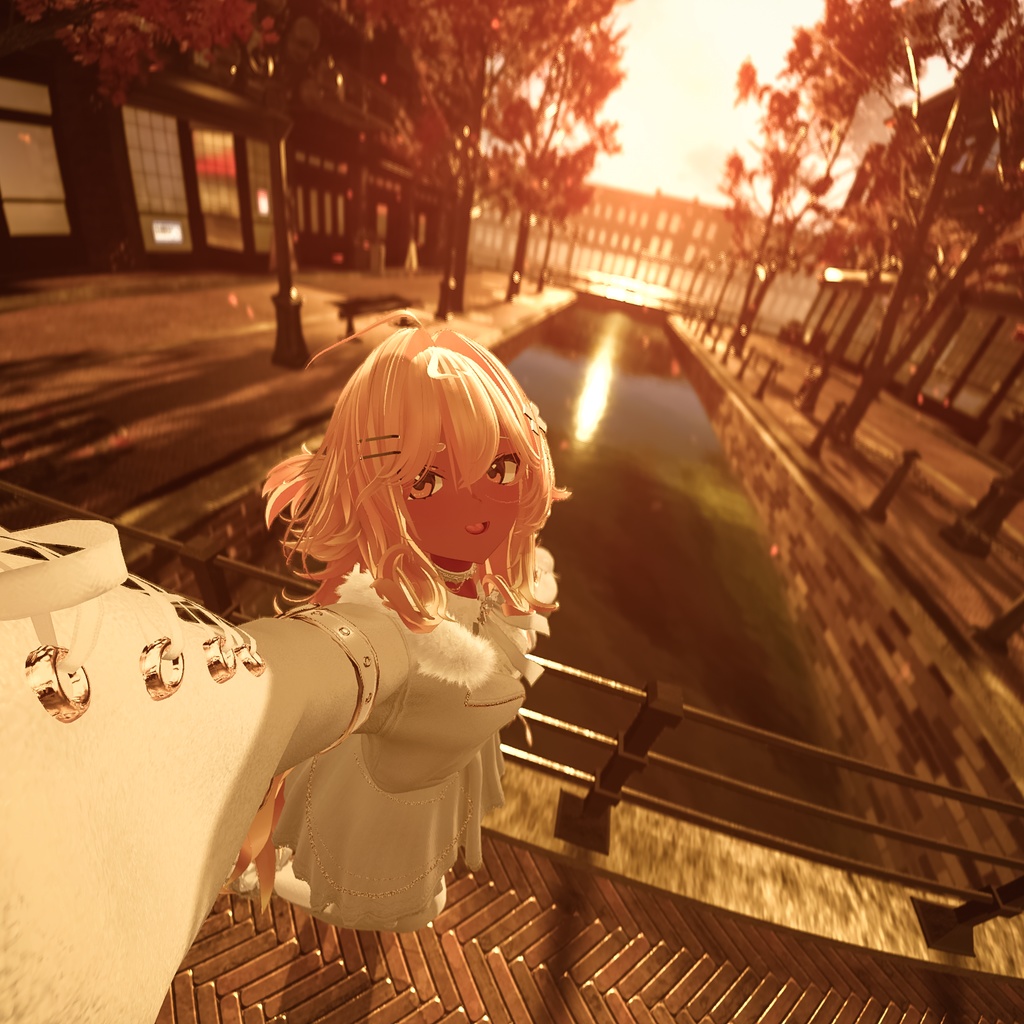
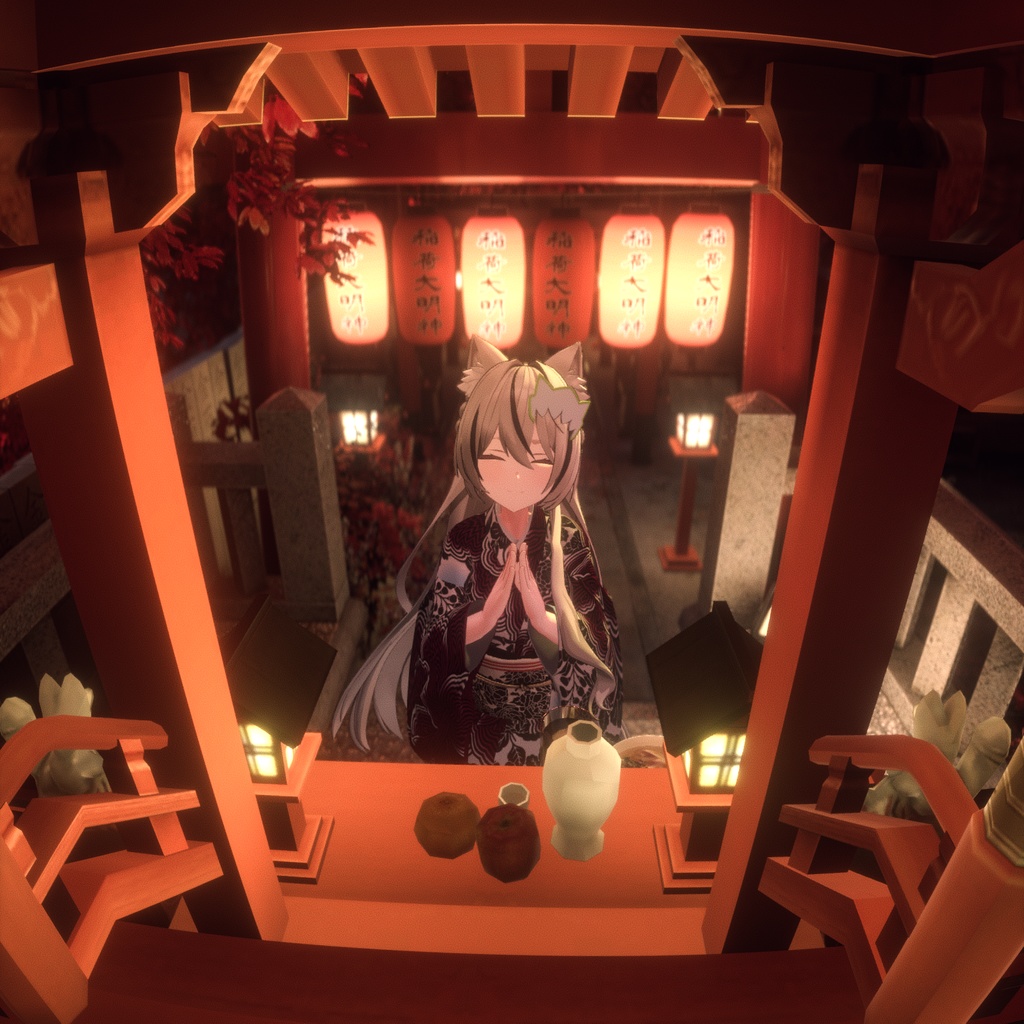
「ウルフちゃん」はVRChatでの使用を想定して制作されたフルスクラッチ3Dモデルです。 改変の際には、衣装だけでなくオオカミがモチーフのしっぽや耳も素体から着脱することができます。 デフォルトの髪型では髪に隠れていますが、ヒト耳もあるので耳にかけるような髪型の着用も可能です。 改変した写真をSNSなどに投稿する際は、ぜひハッシュタグ #Wolfchan3D をご利用ください🐺 ▼ 詳細はこちら https://vroid.com/news/5lVnsa89JKysSHBF7GJb3X
試着
以下のURLにアクセスし、「Change Into Avatar」ボタンをクリックすることでサンプルアバターの試着が可能です。 https://vrchat.com/home/avatar/avtr_6814914e-2a51-4672-b7ec-22e447641fe2
内容物
「XAvatar版」 ・XAvatar(衣装、素体を含む) 「Unity向け・FBX版」 ・VRChat向けセットアップ済みunitypackage ・FBX ・テクスチャ(PSD、PNG)
モデル情報
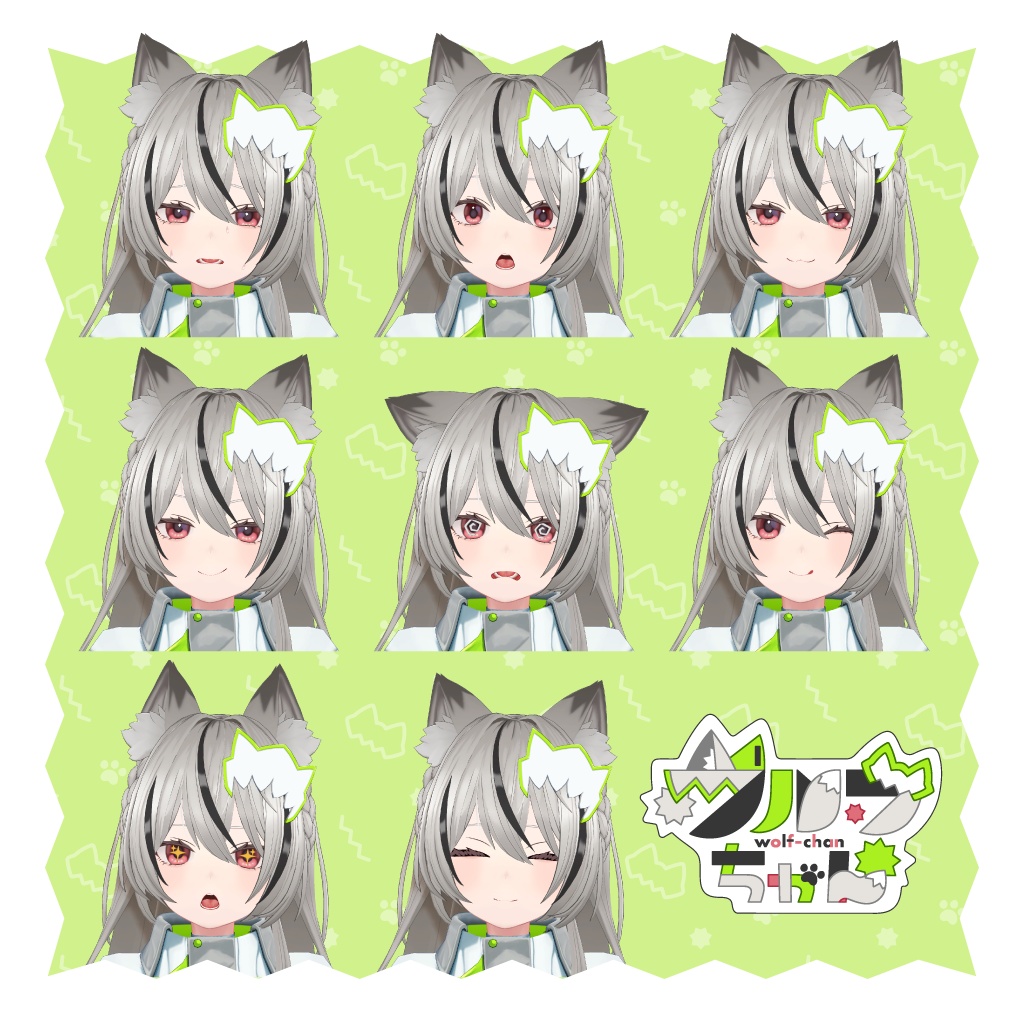
ポリゴン数:△ 69,962 表情調整シェイプキー:53種類 素体データ:あり ■ 使用シェーダー lilToon ( https://lilxyzw.booth.pm/items/3087170 ) ■ セットアップ環境 ・VRoid Studio: 2.6.0 ※iPad版は非対応です ・Unity: 2022.3.22f1 ・VRChat Package Resolver Tool: 0.1.29 ・VRChat SDK - Base: 3.10.0 ・VRChat SDK - Avatars: 3.10.0 ・XWearPackager: 0.3.4 ・liltoon: 2.1.5
XAvatar版について
「ウルフちゃん」はXAvatar形式にも対応しています。 XAvatar形式が付属する「XAvatar版」は無料でダウンロードいただけます。 XAvatarとは、VRoid Studioの新機能「着せ替え機能」で使用できるアバターのデータ形式です。 「着せ替え機能」を利用すれば、XAvatar形式のアバターに体系の異なる衣装やアクセサリーを簡単に着せ替えられます。 着せ替えたアバターはVRChatにアップロードしたり、VRMに書き出して連携アプリで使用することができます。 また、無料で配布している「XWear Packager」を使用すれば、BOOTHで購入したVRChat向け衣装やアクセサリーを「着せ替え機能」に対応したXWear形式に簡単に変換できます。 すでにお持ちのアバター衣装・アクセサリーを着せ替え機能で使用したり、自作の衣装・アクセサリーをXWear形式でBOOTHで販売することが可能です。 ▼詳細はこちらをご覧ください https://vroid.com/news/26gn98sTuPJQ53LxDQRyFg ■ 各データについて ・Wolfchan.xavatar:ウルフちゃんの基本データ ・Wolfchan_body.xavatar:素体のみのデータ ・Wolfchan_costume.xwear:衣装のみのデータ ■ 導入手順(簡易) 1. VRoid Studio をダウンロード・インストール https://vroid.com/studio 2. VRoid Studioを起動し、上部の着せ替え機能タブをクリック、「着せ替え機能をはじめる」または「新規作成」をクリックします 3. 購入データに含まれているXAvatarファイルを「素体を追加」からインポートします ▼ より詳しいVRChatへのアップロード手順はこちら https://vroid.pixiv.help/hc/ja/articles/38728373457561
Unity向け・FBX版について
VRChat向けセットアップ済みunitypackageが含まれているバージョンです。 「XAvatar版」とは異なり、有料での販売となります。 ■ 各Prefabについて ・Wolfchan.prefab:ウルフちゃんの基本データ ・Wolfchan_body.prefab:素体のみのデータ ・Wolfchan_costume.prefab:衣装のみのデータ ■ 導入手順(簡易) 1. VRChat公式サイトの「Download the Creator Companion」から「VRChat Creator Companion(VCC)」をダウンロード・インストール https://vrchat.com/home/download 2. liltoonをVCCに追加し、プロジェクトに追加 https://booth.pm/ja/items/3087170 3. 購入データに含まれているunitypackageをインポート
利用規約
本アイテムはVN3ライセンス( https://www.vn3.org )を利用しております。 規約全文は下記URLからご確認ください。 JA: https://drive.google.com/file/d/1v0CklnF7G-bQI9MHHVEmx7sDPwOo8WcN/view?usp=drive_link EN: https://drive.google.com/file/d/1dkxQ6I7eLojgz1nM4-WG6Glg8ZZdMBd5/view?usp=drive_link KO: https://drive.google.com/file/d/1X8Jdik8xh90bY7Aqi6d8TGHsQne3yGuY/view?usp=drive_link ZH: https://drive.google.com/file/d/1HLjUzO-KjxQc6GC2SnMLgG9pdJldorZH/view?usp=drive_link
更新履歴
2025/12/04 - Ver.1.0.0 ・リリース
お問い合わせ先
不具合などがありましたらVRoid ヘルプまでお問い合わせください。 https://vroid.pixiv.help/hc/ja/articles/360000336121
Wolfchan is a 3D model designed from scratch for use in VRChat. You can customize the model by attaching or removing not only the outfit but also the wolf ears and tail from the base body. The default hairstyle hides them, but the model also includes human ears, so you can also use hairstyles that tuck behind the ears. If you share photos of your customized version on social media, be sure to use the hashtag #Wolfchan3D 🐺 ▼ Learn more https://vroid.com/en/news/5lVnsa89JKysSHBF7GJb3X
Try it
You can try the sample avatar by visiting the link below and clicking the "Change Into Avatar" button. https://vrchat.com/home/avatar/avtr_6814914e-2a51-4672-b7ec-22e447641fe2
Product details
XAvatar ver. ・XAvatar (costume and base model) Unity/FBX ver. ・UnityPackage (pre-configured for VRChat) ・FBX data ・Textures (.png and .psd formats)
Model information
Polygon count: △ 69,962 Expression shape keys: 53 types Base model data: Included ■ Shaders used lilToon ( https://lilxyzw.booth.pm/items/3087170 ) ■ Setup environment ・VRoid Studio: 2.6.0 *The iPad version of VRoid Studio does not support this feature. ・Unity: 2022.3.22f1 ・VRChat Package Resolver Tool: 0.1.29 ・VRChat SDK - Base: 3.10.0 ・VRChat SDK - Avatars: 3.10.0 ・XWearPackager: 0.3.4 ・liltoon: 2.1.5
XAvatar ver.
Wolfchan is also available in the XAvatar format. The XAvatar version, which includes this format, is available for free. XAvatar is an avatar data format compatible with VRoid Studio's new XWear/Dress-up feature. With this feature, you can easily dress up your XAvatar avatars with outfits and accessories designed for different body types. Dressed-up avatars can be uploaded to VRChat or exported as VRM files for use in other apps. In addition, you can easily convert VRChat outfits and accessories purchased on BOOTH to the XWear format using the free XWear Package tool. You can also use XWear to dress up avatars with your own creations or sell your custom outfits and accessories in XWear format on BOOTH. ▼Learn more below https://vroid.com/en/news/26gn98sTuPJQ53LxDQRyFg ■ Included data: ・Wolfchan.xavatar: Wolfchan's model data ・Wolfchan_body.xavatar: Base model only ・Wolfchan_costume.xwear: Outfit only ■ Instructions (simple ver.) 1. Download and install VRoid Studio https://vroid.com/studio 2. Start VRoid Studio. Click on the dress-up feature tab and select "Get started with the Dress-Up feature" or "Create New" 3. Click "Add Base Model" to import the XAvatar file included in your purchase ▼For more detailed instructions on how to use avatars in VRChat, refer to the article below. https://vroid.pixiv.help/hc/en-us/articles/38728373457561
Unity/FBX ver.
This version includes a UnityPackage pre-configured for VRChat. Unlike the XAvatar version, this one is paid. ■ Included prefab: ・Wolfchan.prefab: Wolfchan's model data ・Wolfchan_body.prefab: Base model only ・Wolfchan_costume.prefab: Outfit only ■ Instructions (simple ver.) 1. Download and install VRChat from VRChat Creator Companion (VCC) from the official VRChat website > Download the Creator Companion https://vrchat.com/home/download 2. Add liltoon to VCC and include it in your project https://booth.pm/ja/items/3087170 3. Import the UnityPackage file included in your purchase
Terms of Use
This item is licensed under the VN3 License (Visit VN3.org). Please review the full terms at the following link. JA: https://drive.google.com/file/d/1v0CklnF7G-bQI9MHHVEmx7sDPwOo8WcN/view?usp=drive_link EN: https://drive.google.com/file/d/1dkxQ6I7eLojgz1nM4-WG6Glg8ZZdMBd5/view?usp=drive_link KO: https://drive.google.com/file/d/1X8Jdik8xh90bY7Aqi6d8TGHsQne3yGuY/view?usp=drive_link ZH: https://drive.google.com/file/d/1HLjUzO-KjxQc6GC2SnMLgG9pdJldorZH/view?usp=drive_link
Update log
2025/12/04 - Ver.1.0.0 Released
Inquiries
For any issues, please contact VRoid Help at the following link. https://vroid.pixiv.help/hc/en-us/articles/360000336121
クレジット / Credits
Production: ・pixiv VRoid Project Character Design: ・雨傘ゆん Photographer: ・rocksuch( https://x.com/rocksuch ) Costumes: ・mituami twin<52アバター対応> By mochipun( https://mochipun.booth.pm/items/7077114 ) ・Lynn Hair <40アバター対応> By mochipun( https://mochipun.booth.pm/items/6690701 ) ・ShadowLily【16アバター対応】By KNIVES DESIGN( https://knives.booth.pm/items/6535704 ) ・Mon Fleur Femme By R&Coco.( https://r-coco.booth.pm/items/7513775 ) ・【16アバター対応】ふわふわめりーヘア【VRChat】By Pirouette ( https://pipi18.booth.pm/items/6542059 ) ・【18アバター対応】EverAfter【VRChat向け衣装モデル】By ALICE( https://aliceinshelter.booth.pm/items/5615136 ) ・【XWear対応】VRChat向け3Dアバター着物「縞牡丹 -Shimabotan-」By JOTARO SAITO BOOTH店 ( https://jotarosaito.booth.pm/items/6285609 ) Worlds: ・Moonlit Backstreets ˸ Tokyo By garitotu ・Ruinas․ By Sumi_ii ・傷を抱いて猫と泳ぐ By Manon〔麦茶〕 ・Carnelian Town - Autumn Sunset By Nekoro ・Japan Shrine By RootGentle